
PG Program in Highway & Infrastructure Design

India’s Top course to become Highway Design Engineer

Program Duration : 6 Month

Next Batch : 10th May 2026

Mode : Online

10+ Live Project

1

This course offers comprehensive training in road and highway design using industry-standard software and international codes. Learners will explore the fundamentals of geometric design, pavement analysis, terrain modeling, and infrastructure visualization. The program integrates tools like AutoCAD Civil 3D, InfraWorks, ArcGIS, Twinmotion, and Tekla Structures to develop real-world roadway projects. Emphasis is placed on BIM workflows, GIS integration, 3D rendering, and bridge modeling. Designs will be guided by Indian IRC and MORTH standards, as well as American AASHTO and FHWA guidelines, ensuring global competency.

Who can join this course.
Civil/structural Engineering Graduates
Site Engineers & Construction Managers
Architects & BIM Professionals
Working Professionals Seeking Career Growth
Our Mission Our Vision

To empower the next generation of civil and structural engineers through advanced, industry-oriented training, cutting-edge software integration, and global standards. We are committed to delivering excellence in education, fostering innovation, and bridging the gap between academic knowledge and practical engineering challenges to shape a more resilient and sustainable built environment.

To be a global leader in structural engineering education and innovation, driving transformation in the construction industry through technology, research, and skilled professionals equipped to design the skylines of tomorrow

Professional, Impactful & Job-Oriented

100%

 Live session with e-learning support

80+

Learning Hour

4+

Industry relevent software

5+

Live Projects

learning Highway and Infrastructure Design

Course Objective

This course is designed to introduce users to the concepts of Building Information Modeling (BIM) with a focus on infrastructure design using Autodesk InfraWorks. Participants will learn the basic features of InfraWorks, including creating new models via Model Builder, setting coordinate systems and units, and integrating GIS data for accurate visualization. The course covers conceptual design of roads, bridges, tunnels, railways, and water features, along with land coverage and terrain styling. Learners will add essential design elements and perform feature analysis such as line-of-sight, area, and volume calculations. The program also teaches model sharing between InfraWorks, Civil 3D, and Revit, and guides users in creating high-impact visualizations and storyboards. By the end of the course, participants will understand the InfraWorks-centric bridge modeling workflow and the role of BIM in infrastructure projects, culminating in the completion of a conceptual road project with custom elements and quantity estimations.

Course Description

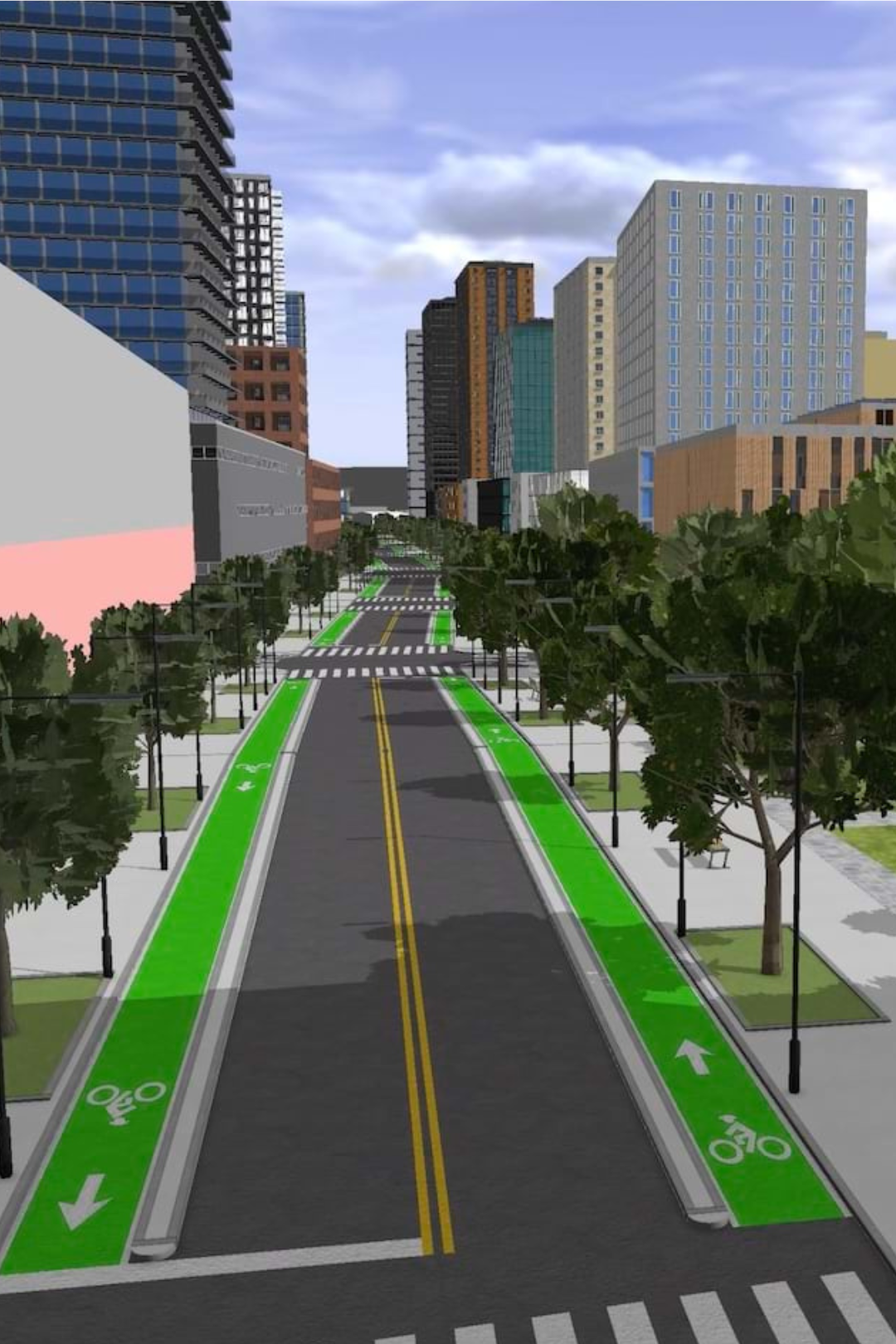
Candidates will learn the basic features of Infraworks, including fundamentals like setting up a project, modeling roads, bridges, tunnels, culverts, and drainage and road furniture. Exporting and importing the model to and from Civil to Infraworks. Analyzing Catchment area, traffic simulation and balancing cut-fill quantities. Creating custom road furniture styles. Calculating the road project quantities. Exporting presentation images and videos.

Software and Manual

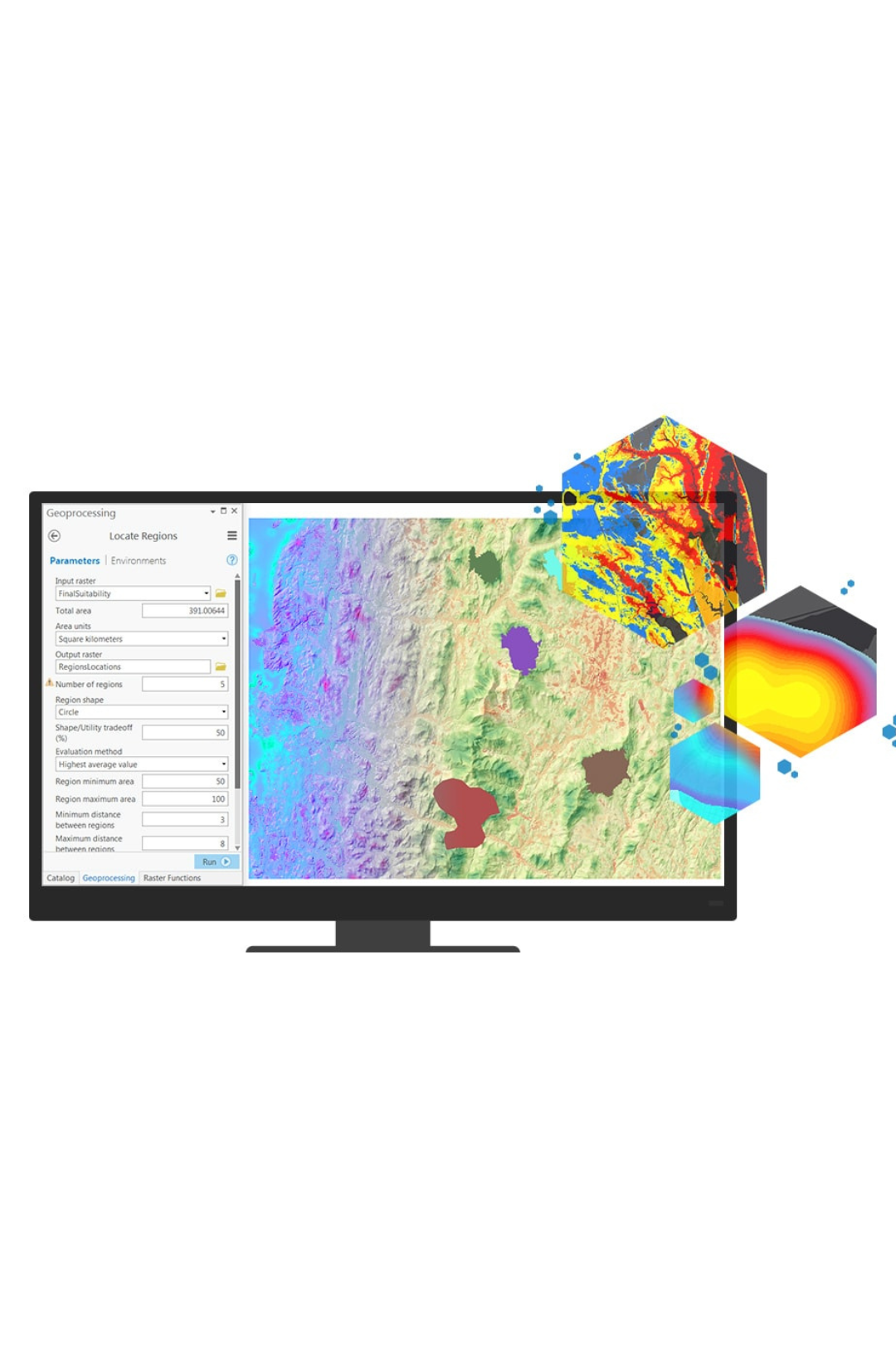
The course utilizes Autodesk Civil 3D for detailed civil engineering design, Open Road Design for conceptual infrastructure modeling and visualization, ArcGIS for spatial data integration and analysis, Twinmotion for 3D rendering and immersive animations, and Tekla Structures (Bridge Creator) for precise and constructible bridge modeling within a BIM workflow.

IRC/AASHTO/ASTM

In India, road and highway design follows IRC codes (e.g., IRC:37, IRC:58, IRC:73) and MORTH specifications. In the USA, it is based on AASHTO standards (like the Green Book and LRFD), along with FHWA guidelines, ASTM standards, and the MUTCD for traffic control.

100+

Learner Enrolled

50%

Salary Hike

40%

Multinational Learner

4.8/5

Google Review

Excellent Carriculum

Introduction of Infrastructure design
1
1. Scope of Infrastructures Design Specialization
2. BIM life cycle in infrastructure projects
3. Importance of Civil3d & Open Roads
4. Highway Development and Planning
5. Highway Alignment and Project Preparation
6. Highway Surveys and Plans
7. Highway Economics and Finance
BIM and GIS value for Smart Cities & Infrastructure design
2
1. BIM and GIS value for Smart Cities & Infrastructure design
2. Introduction to GIS
3. Data Models & Management
4. Data Acquisition
5. Spatial Analysis Fundamentals
6. Remote Sensing Integration
7. Cartography & Visualization
8. Advanced Spatial Analysis
9. GIS for Urban & Environmental Planning
10. GIS Programming & Automation
11. Web GIS & Cloud Platforms
12. Industry Standards & Data Sharing
13. Practical Project Sessions
Working with Survey Points & Connecting to Data Sources
3
1. Preparing Raw Survey points Data sets for Design
2. Geographic Systems Overview
3. Configure and Display Data Sources
4. Importing survey points to Civil 3D
5. Import Civil 3D points into your project using the import points tool, selecting from manual,
6. direction, intersection, surface, and interpolation options, then load a csv file.
Autodesk Civil3D Interface
3.1
1. Introduction to Civil 3D
2. Selecting and Editing Objects
3. Introduction Application Button
4. Editing with Grips
5. Object Snaps in Civil 3D
6. Polar and osnap tracking
7. Types of Spirals in Civil 3D
Detailed Design of Roads & Highways Complete Theoretical Guide
3.2
1. Road types & Components roads
2. Highway Cross Section Elements
3. Creating junctions and roundabouts
4. Create conceptual and geometric design of roads
5. Sight distance analysis
6. Modifying horizontal and vertical layouts
7. Working with intersections
8. Balancing cut and fill along the road
9. Profile optimization & Super elevations
Modelling and Design as per Code proposal
3.3
1. How to design the initial design and put more than one design proposal
2. Standards of road design according to code IRC & AASHTO
3. Design criteria for surface intersections according to IRC & AASHTO
4. Modeling and design of intersections
5. Modeling and design roundabout rotors
6. Design criteria for surface intersections and interchanges according to IRC & AASHTO
7. Calculation of quantities for cutting and filling and all elements of road


Drainage Design
3.4
• • Setup your ArcGIS Online.
• Adding data to your Project.
• Conceptual design in Infraworks.
• Detailed design in Civil 3d.
• Smart data assets to GIS.
• Site Data verification and operation.
• Advanced data analysis in GIS.
Tunnel Design
3.5
1. Add Tunnel to road
2. Necessity of Tunnels
3. Ventilation in Tunnels
4. Drainage of Tunnels
5. Typical Cross-sections of Tunnels
6. Analysis and Quantities
Modelling Bridge in Civil 3D
3.6
• 1. Preparing the Road Model in Civil 3D for Bridge Integration
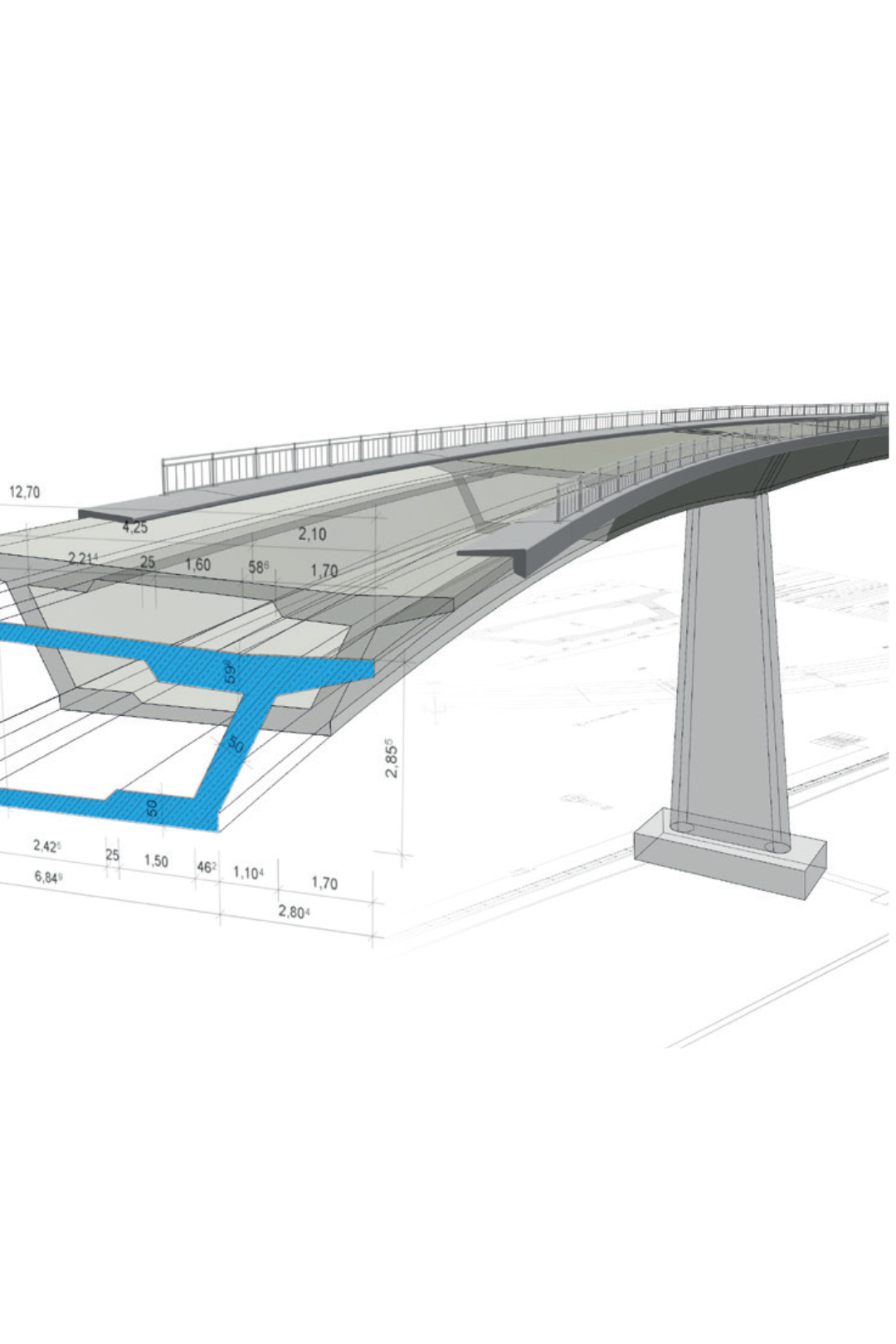
2. Civil 3D Bridge Design Box Girder Design and Abutment Slope Implementation
Quantity take-offs and Cost Estimation
3.7
1. Creating Sample Lines
2. Quantity Take-off Criteria for Construction Materials
3. Computation of Cut and Fill Volumes
4. Quantity Takeoff for Pavement Layers
5. Generating Earthworks Quantities Report
Drawings Production and Data Management
3.8
1. Plan and Profile Templates and Viewport Configuration.
2. Create View Frames and View Frame Groups (VFG)
3. Creating Plan and Profile Sheets
4. Create Plottable Corridor Geometry Code set Style
5. Modify Layout Sheets
6. Projecting Culverts Crossing in Plan and Profile
7. Plotting Drawings Layout Sheets -PDF Output
Open Road Designer
4
1. Introduction to Open Roads
2. Compare Bentley Open Roads with Autodesk Civil 3D

3. Terrain & Survey Data
- Importing survey data and terrain models (DTM)
- Editing and analyzing terrain surfaces
- Managing point clouds and LiDAR data

4. Geometry Design
- Horizontal and vertical alignment creation
- Complex geometry tools (spirals, curves, intersections)
- Parametric constraints and rules-based design

5. Corridor Modeling
- Template creation and editing
- Corridor definition and application
- Superelevation and lane management
- Modeling intersections, roundabouts, and ramps

6. Drainage & Utilities
- Stormwater and sewer design tools
- Hydraulic and hydrology analysis
- Utility modeling and clash detection

7. Earthwork & Quantities
- Cut/fill analysis
- Automated quantity take-off
- Cost estimation workflows

8. Production plan
- Automated plan/profile generation
- Sheet creation and annotation
- Cross sections and reports

9. Advanced Workflows
- BIM integration (ISO 19650 workflows)
- 3D visualization and rendering
- Integration with ProjectWise and Bentley iTwin
Traffic Simulation
5
1. Setting up the parameters & running the simulation
2. Learn design guidelines for roads as IRC & AASHTOO
3. Intersections design guidelines by IRC & AASHTO
4. Design of 3-leg intersection
5. Design of 4-leg intersection - Roundabout
6. Interchanges design criteria as IRC & AASHTO 2011
7. Design and modelling of Main Road, Cross road and Bridge
8. Traffic analysis and simulation
9. Study the interface of the program Bentley Open Roads & civil 3D
Twin motion
6
1. Setting up the parameters & running the simulation
2. Live Synchronization
3. Data Integration: Supports importing, aggregating, and animating data from multiple sources (CAD, BIM, GIS) into a single scene.
4. Rendering Power: Leverages Unreal Engine 5 and supports Lumen for real-time lighting, as well as path tracing for high-quality final outputs.
5. Twin motion Cloud
6. Import: Import road, bridge, or site design from Revit, Civil 3D, or Info Works via Data smith.
7. Export/Share: Generate high-resolution images, videos, or export to Twin Motion Cloud for stakeholder review.
Project Practice
7
• Road Planning
• Modelling your project’s existing environment, incorporating survey-grade 2D/3D details and GIS data.
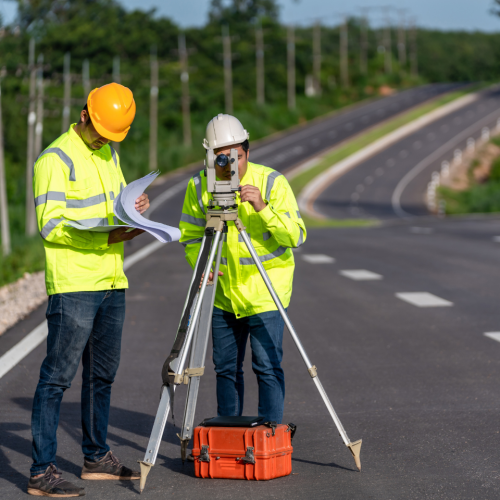
• Designing roads, bridges, drainage, and more, incorporating engineering principles.
• Analyzing your model, to make better decisions for sight distance, flood simulation, and more.
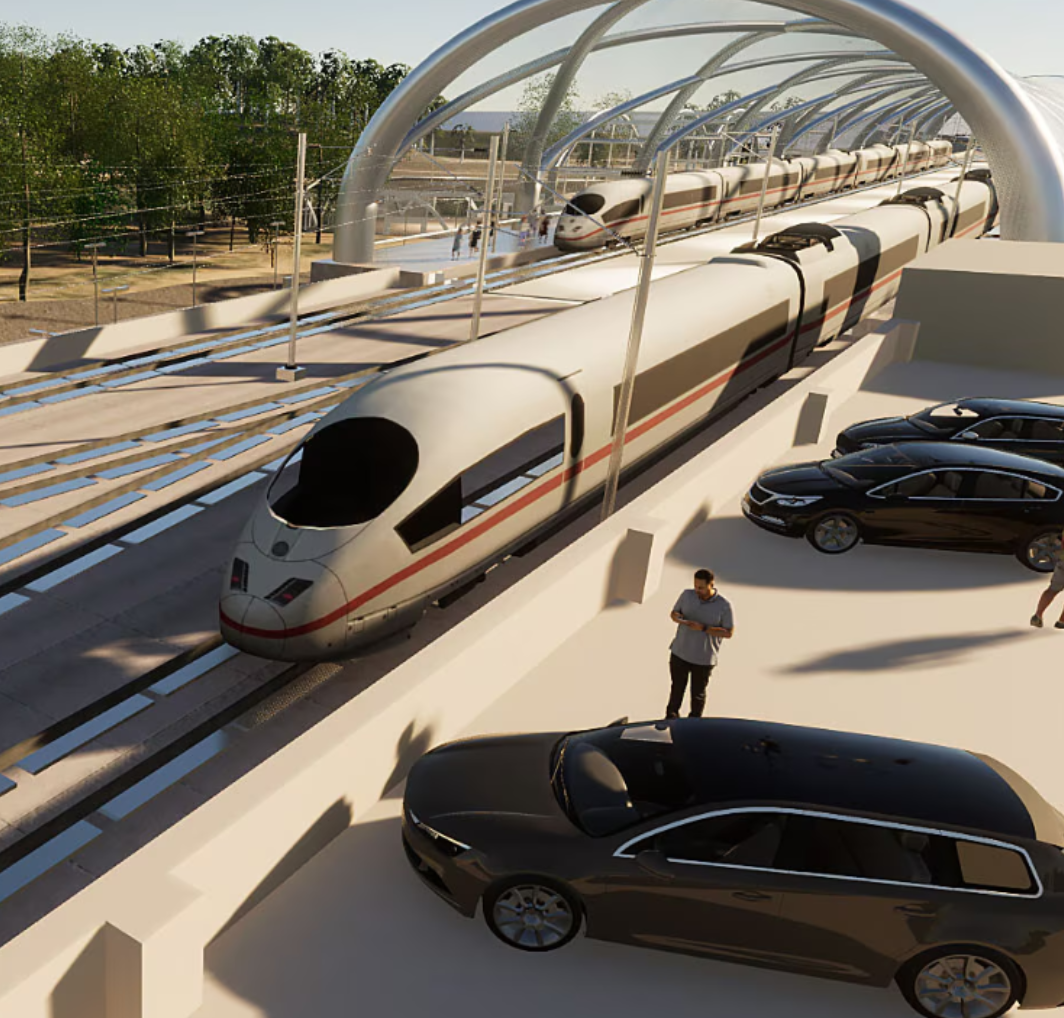
• Show your designs in a realistic environment by creating high-impact visualizations and videos using storyboards.

Download Full Sybullash

Master 6 Software Tools

Typical project taken in program

Testimonial

We belive in learner review

We believe in the power of learner feedback to shape, improve, and inspire our programs

Certification

Get certified as Professional Engineer

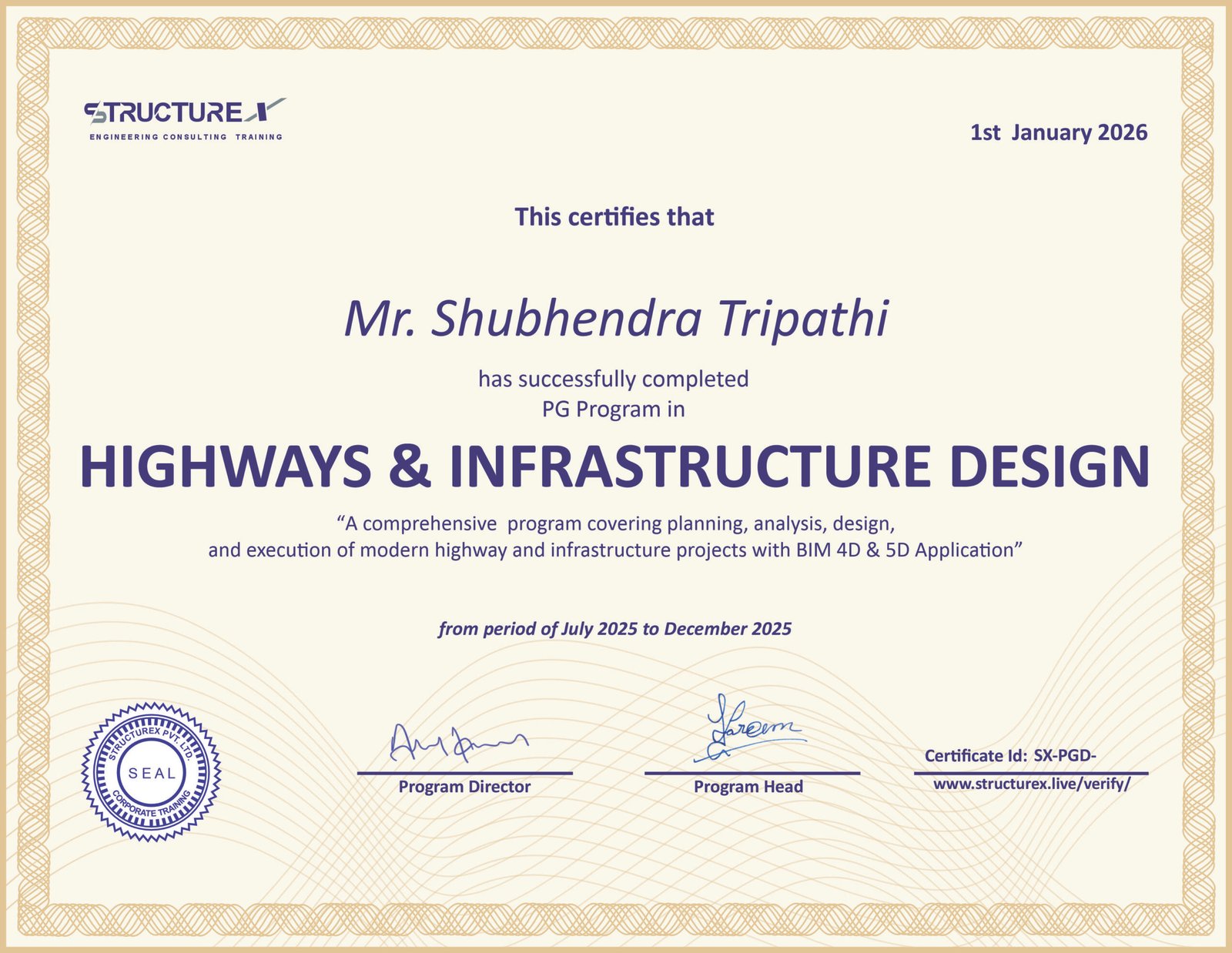
Program Complitaion certificate
Internship Certificate
Project Experince Certificate

Enroll Today

Be a part of India’s top course provider, let’s start your application now!

Total Program fee

INR 65,000/-

Book your seat with INR 10,000/- only

FAQ

Frequently Asked Questions

Why the course is Month Long?
The 6-month duration ensures that learners are not just trained, but transformed—ready to take on highway design with both depth and confidence.
How much time reuired in a week?
3 to 4 sessions per week
👉 Each session is 2 hours
👉 Total: 6 to 8 hours/week of guided learning

Self-practice & assignments:
👉 Average 8 hours/week for project work, practice, and software.
Is this course live or recorded.
It is 100% live with access of learning material for life time.
Do i need pre-knowldge to join this course.
To join this program, you must have a Degree or Diploma in Civil Engineering (or related field) with a basic understanding of structural concepts and engineering fundamentals.
What is the software included?
Program include ETABS,SAFE,SAP200,PER3D,RWIND and Csi Deatils.
I dont have software installed on my pc. Can i still attend the course?
Our team will guide you before starting of course.
In which language course will deliver?
The course content will deliver in English.
Is their any shorter version of this course?
It is not possible to deliver course in short period of time.
How Can i solve my queries?
With our live personal doubt session and LMS (Learning Management System?
Do i get placement and career assistance after course complitation?
Yes we ensure each learner to get a great career option with our career and placement services.
Is their gaurantee of Placement ?
No placement guarantees — but 100% career support.
From mock interviews to portfolio-building, we prepare you for the real industry.
Learn. Build. Get Hired — with StructureX.
What kind of certificate i will recive after course.
Upon successful completion of the program, you will receive three valuable certificates: ISO Certified.

✅ Program Completion Certificate (STRUCTUREX PVT. LTD.)
    Issued after completing all course modules and assessments.

✅ Internship Certificate
    Recognizing your practical learning and hands-on software training during the course.

✅ Project Experience Certificate (Only upon successful submission of project work)
    Awarded when you complete and submit an approved real-world project as part of the program.
Can i pay fee in instalments.
No for particular program instalment is not available/
Can i get disount on the fee?
For Offer and disount you need to check with Team.
Can i Pay fee in EMI?
Yes you can pay in EMI Based on your credit/Debit card offer.
What is the Refund Policy.
Seat booking fee is non-refundable. You can request fee refund before 1 Week of course starting. For more information visit our refund policy page.
Cart (0 items)
Select the fields to be shown. Others will be hidden. Drag and drop to rearrange the order.
  • Image
  • SKU
  • Rating
  • Price
  • Stock
  • Availability
  • Add to cart
  • Description
  • Content
  • Weight
  • Dimensions
  • Additional information
Click outside to hide the comparison bar
Compare